Compact all-in-one
Printing and control combined in one compact unit for basic coding.
 INDUSTRIAL CODING
SOJET / moli / COMPACT ALL-IN-ONE
All-in-one for basic product coding. Android app control and standalone operation after setup.
Request a proposal ↗Compare other models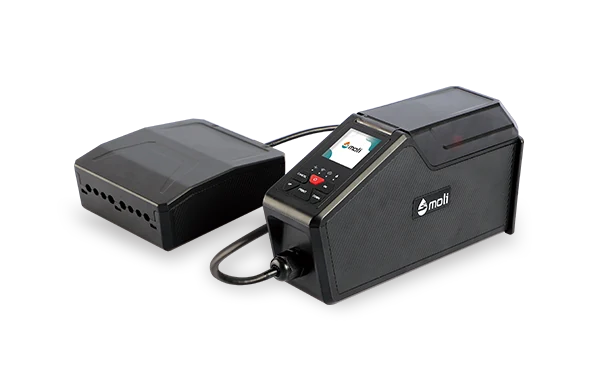 HP TIJ 2.5 / MoEco 1
FROM SPECIFICATIONS TO BENEFITS
Printing and control combined in one compact unit for basic coding.
Prepare jobs in the app, then operate independently — for simple coding tasks.
Up to 12.7 mm print height and 60 m/min. Confirm support separately if you need codes or data exchange.
MoEco 1 / DESIGN AND APPLICATION
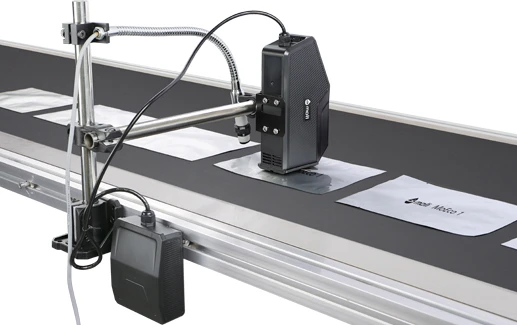
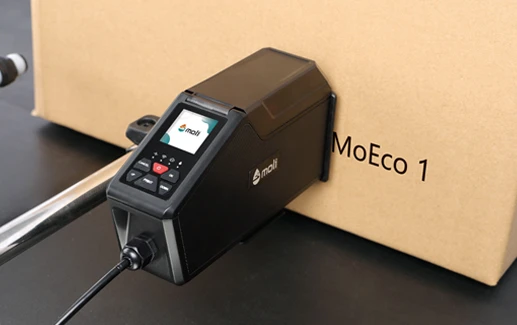
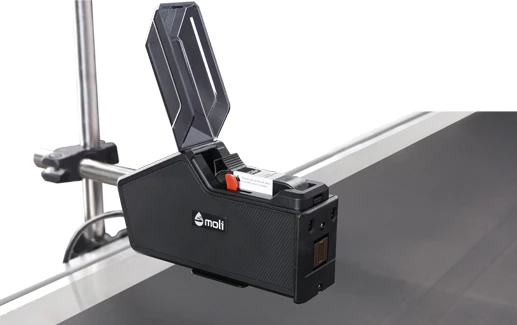
Manufacturer examples of equipment placement. Mounting and head positions are chosen for your product.
SPECIFICATIONS FOR YOUR TASK
Start with a sample message and packaging photo. Barcode and data exchange support must be confirmed separately.
Specifications checked against Sojet documentation. Operating settings and supplied components are selected for your task.
Sojet specifications ↗The manufacturer's table marks barcodes and communication protocol as unavailable, while the description mentions codes. Confirm support for your task.
SEE THE EQUIPMENT
Video: Sojet Marking. MoEco 1 demonstration.
Open on YouTube ↗GETTING READY
Coating, moisture and storage conditions affect ink selection. Prepare a material sample and message.
Define head position, distance and synchronisation. Sensor, encoder and mounts are selected as part of the solution.
Agree text, date, size and data source. Code formats depend on model and software version.
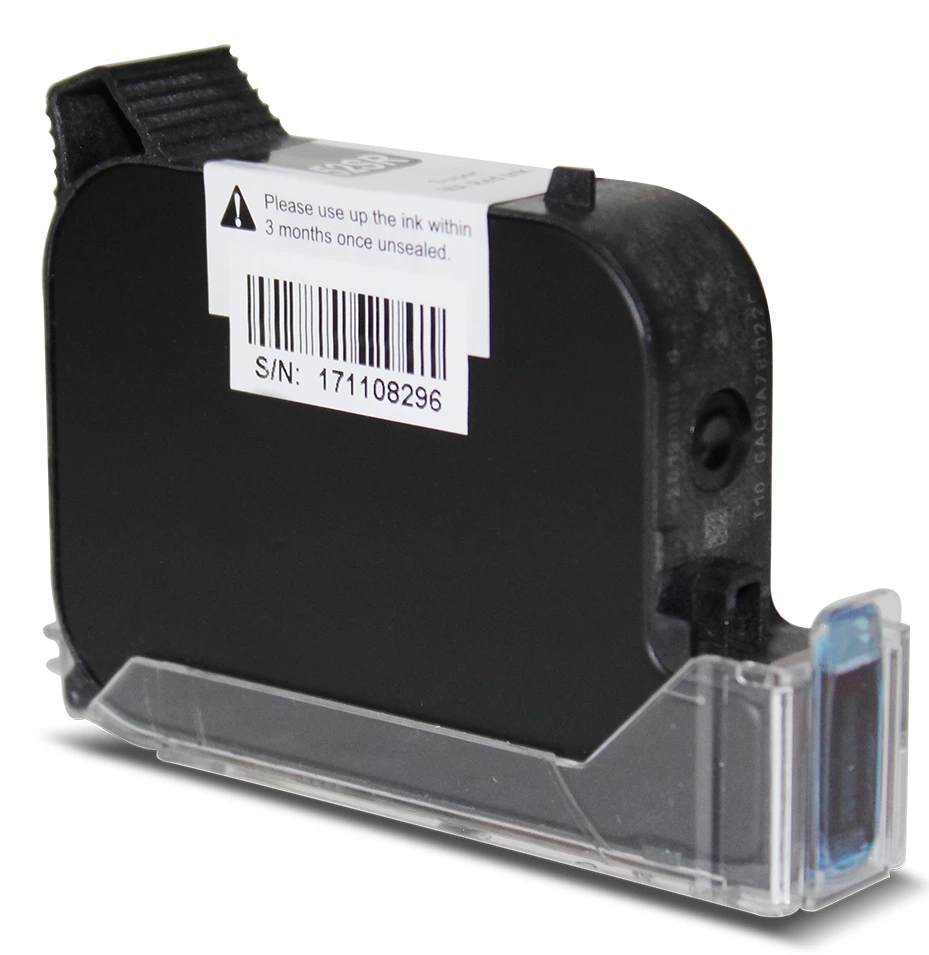
CONSUMABLES
First define the surface and print requirements. Then confirm part number, MoEco 1 compatibility and supply scope. No cartridge suits every material.
Explore cartridges ↗CONFIGURED FOR YOUR PRODUCT
Send a surface photo, code sample and operating conditions. We will confirm MoEco 1 configuration, ink, price and lead time.