Keep pace with your line
Print dates, batches and variable data on moving products.
Up to 200 m/min
At 300 × 300 dpi. The operating mode is selected together with the layout and cartridge.
 INDUSTRIAL CODING
Dates on packaging. Batches on cartons. Variable codes on every item. Sojet industrial printers selected for your material, speed and production task.
DIGITAL MARKING / UZBEKISTAN
Separate software connects the marking system to the printer.
Sojet prints GS1 DataMatrix on your packaging.

Codes from the marking system
System communication and print command
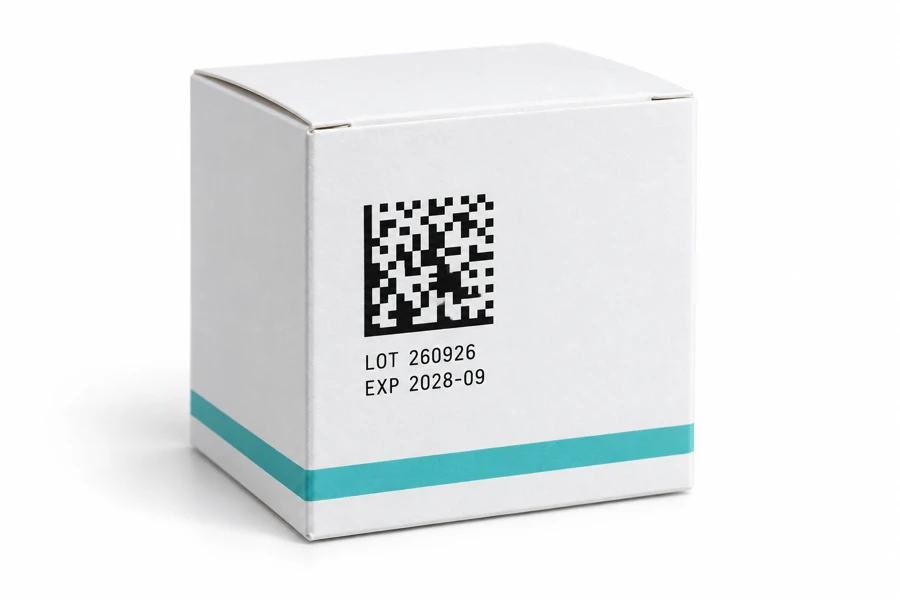
The result of printing with Sojet
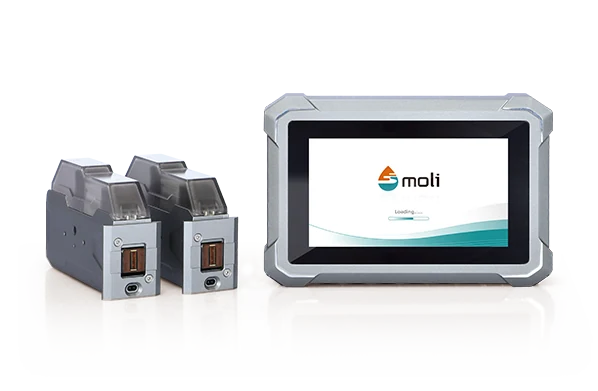
MoTix 2000 ↗The printer, ink and connection are selected for your line. Code readability is checked after printing.
Discuss marking ↗Software is a separate part of the solution. The diagram shows the interaction principle.
MoTix 2000 / THREE REASONS TO CHOOSE
Three production tasks and the printer features that help address them.
Print dates, batches and variable data on moving products.
At 300 × 300 dpi. The operating mode is selected together with the layout and cartridge.
Adjust print size and detail to the available space on the package.
Two printheads, combined height up to 25.4 mm. Code readability is checked on a sample.
Change jobs on screen or receive data from a production system.
HTTP, TCP, RS232/485 and Modbus. Agree the connection setup with an engineer.
THERMAL INKJET / FROM TASK TO SOLUTION
For a production line, compact station or handheld operation. Manufacturer photos show Sojet equipment and its application.
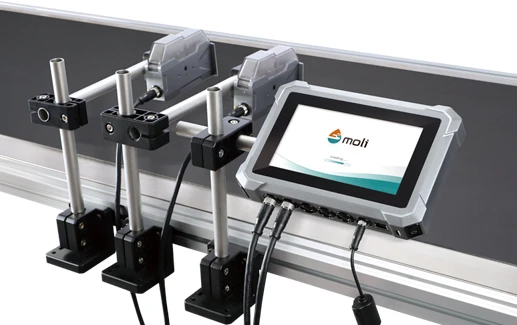
MoTix 2000 remote printheads are positioned at the print location.
Explore the model ↗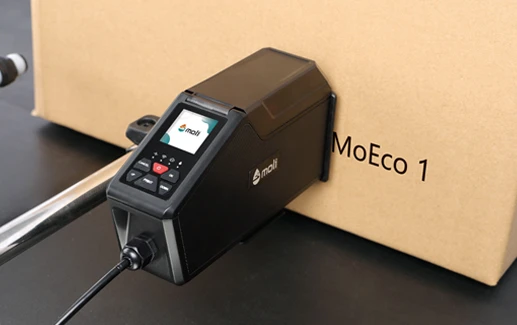
MoEco 1 is an all-in-one format for basic coding tasks.
Explore the model ↗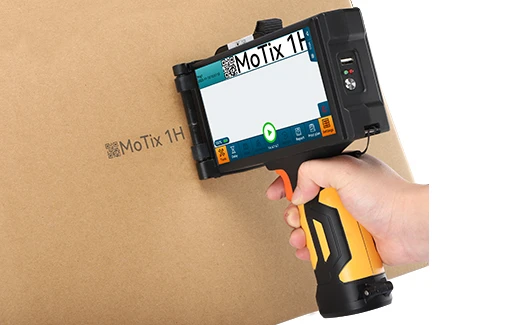
Bring MoTix 1H to the carton and apply the marking by hand.
Explore the model ↗Equipment and application photos supplied by Sojet.
THE SOLUTION STARTS WITH YOUR PRODUCT
One model cannot solve every task. Packaging material and code content determine the right configuration.
Date, expiry and batch on packaging, labels or cartons.
Key factors: speed, surface and drying.Find a solution ↗02 / APPLICATIONVariable data and 2D codes on packs and bottles.
Key factors: code size, readability and data source.Find a solution ↗03 / APPLICATIONPart numbers, batches and identifiers on products and shipping cartons.
Key factors: adhesion, geometry and operating conditions.Find a solution ↗04 / APPLICATIONHandheld coding where there is no fixed station or conveyor.
Key factors: surface access and operator convenience.Find a solution ↗START WITH YOUR TASK
Choose a scenario. See which factors matter and which models to consider.
Surface material, speed and print location determine the printer and cartridge. A compact model may suit a small message; multiple print areas may need remote heads.
Consider: MoTix 2000, MoTix 4000, MoEco 4000 and MoEco 1.
Discuss line coding ↗SOJET RANGE
A compact station, variable codes, multiple print areas or handheld work. Choose the application, then compare specifications.
HIGH RESOLUTION / TWO HEADS
For dates, batches and variable codes on a production line.
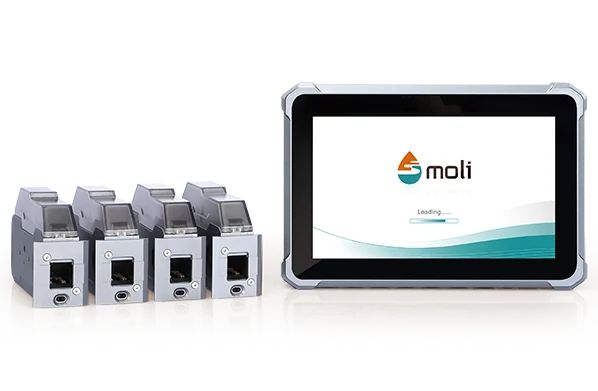
MULTIHEAD SYSTEM
For lines with variable data and multiple print areas.
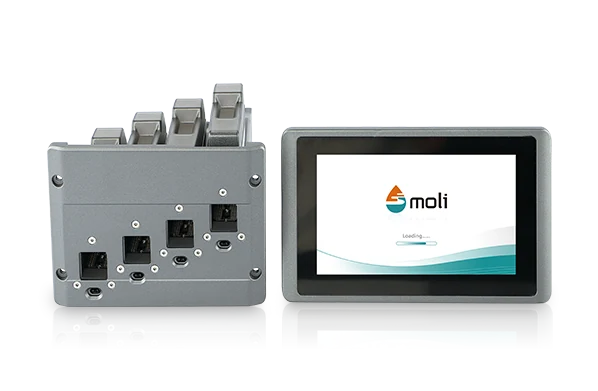
REMOTE PRINTHEADS
For text, barcodes and Data Matrix on packaging.
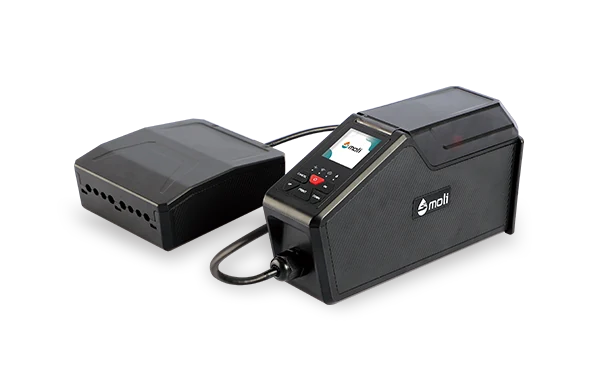
COMPACT ALL-IN-ONE
For basic coding with Android app setup.
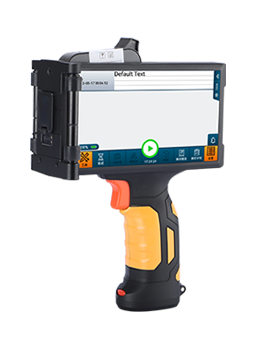
HANDHELD PRINTER
For products that are easier to mark in place.
Maximum values are not always achieved simultaneously. Speed depends on resolution, code, ink and mode. Availability and configuration are confirmed during selection.
THE PRINTER COMES TO THE PRODUCTNO CONVEYOR REQUIRED
Bring MoTix 1H to the item and print on site. For large cartons and small batches where a fixed line is not practical.
MoTix 1H / HANDHELD WORK IN DETAIL
Text, date, logo or a supported code in a single touchscreen layout.
Access, a steady pass and ink adhesion to the material matter.
Move the printer along the surface and inspect the print. Verify readability for codes.
EQUIPMENT IN ACTION
Roll material, flexible film, traverse and flow line. See the equipment in use.
Marking while the material moves continuously.
Text and codes on flexible packaging.
A traverse system moves the head over a stationary item.
A printing unit on a high-speed section.
Manufacturer videos. Settings and configurations shown do not define the specifications of every model.
PRINTER + SURFACE + THE RIGHT INK
Water-based, solvent and special formulations. Choose for your material and conditions, then confirm model compatibility.
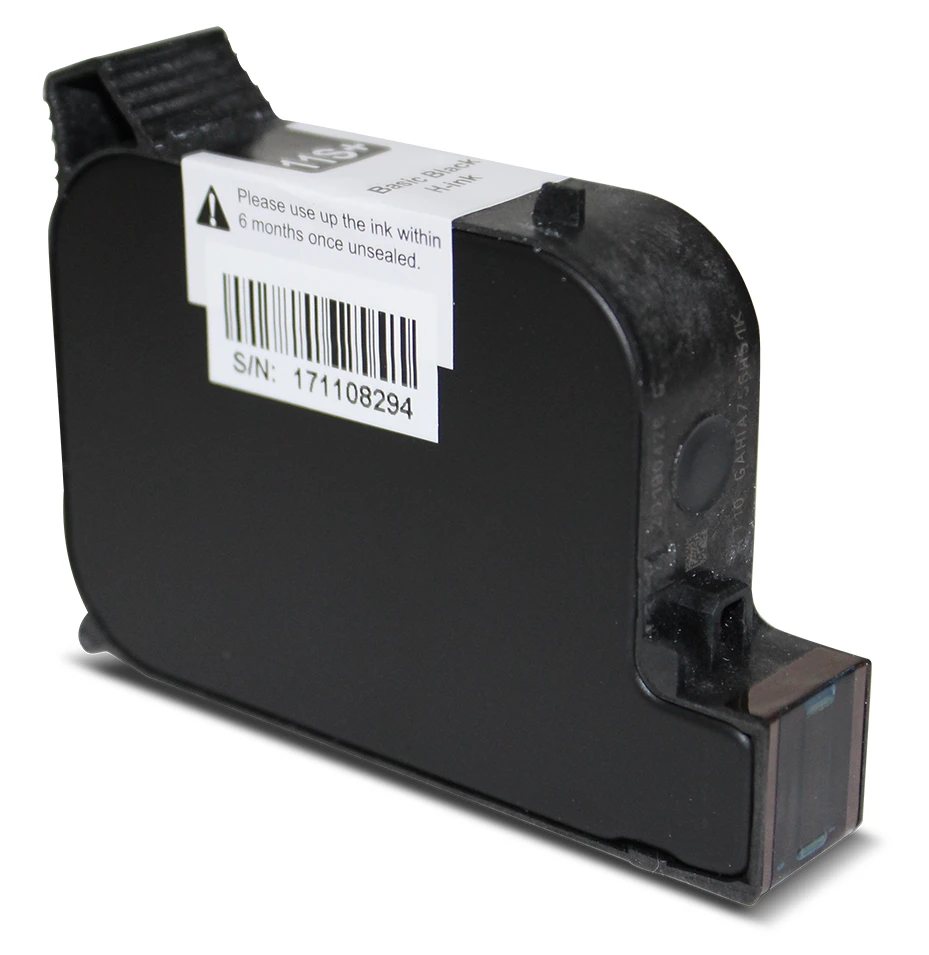
Most uncoated materials
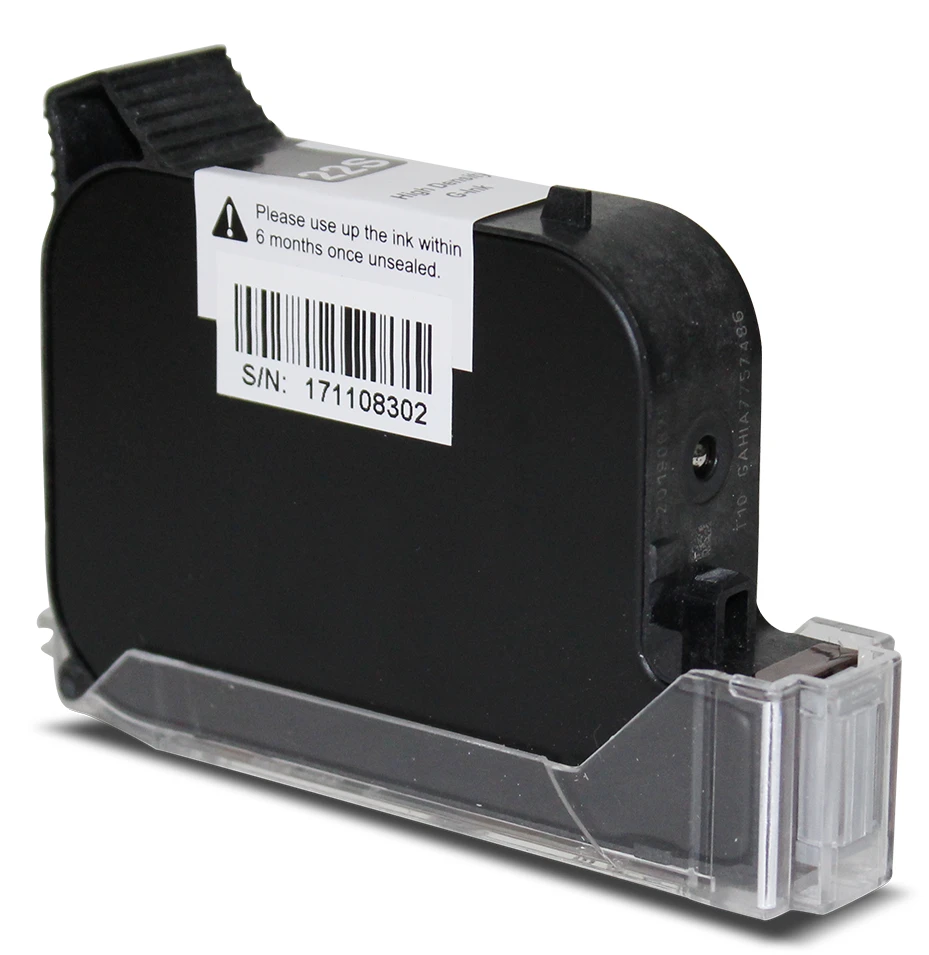
Selected coated materials
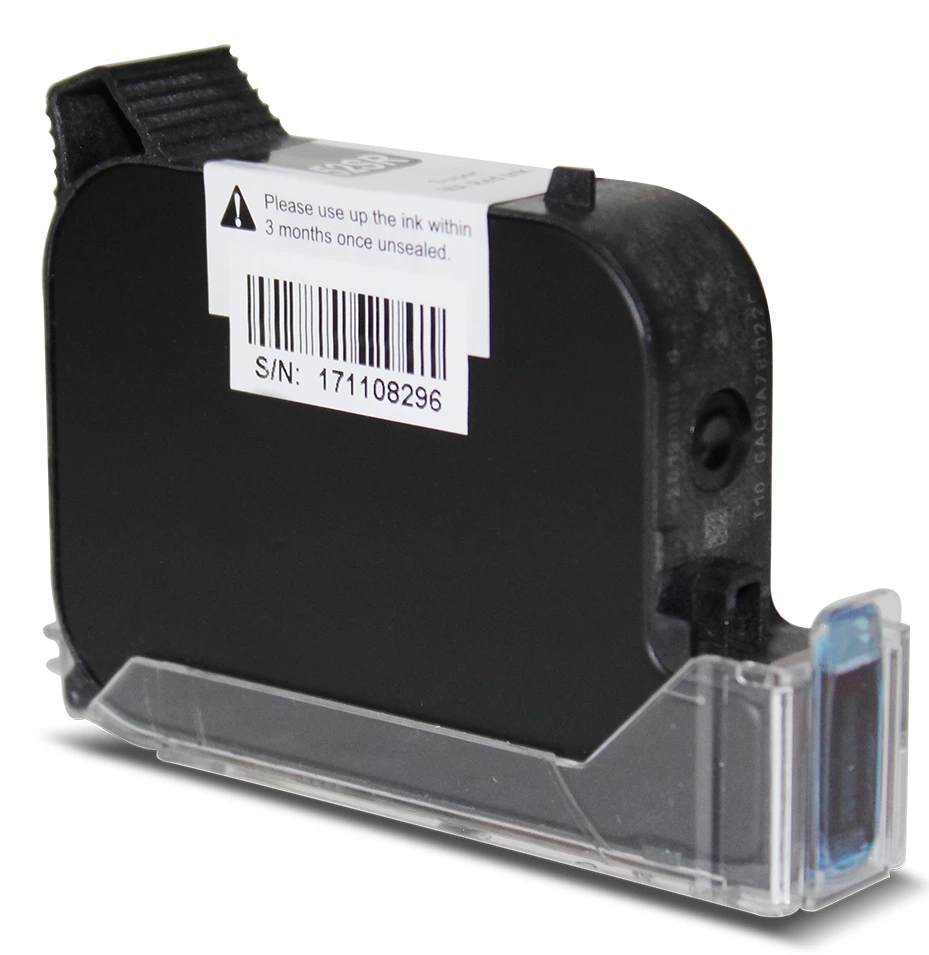
Fast-drying applications
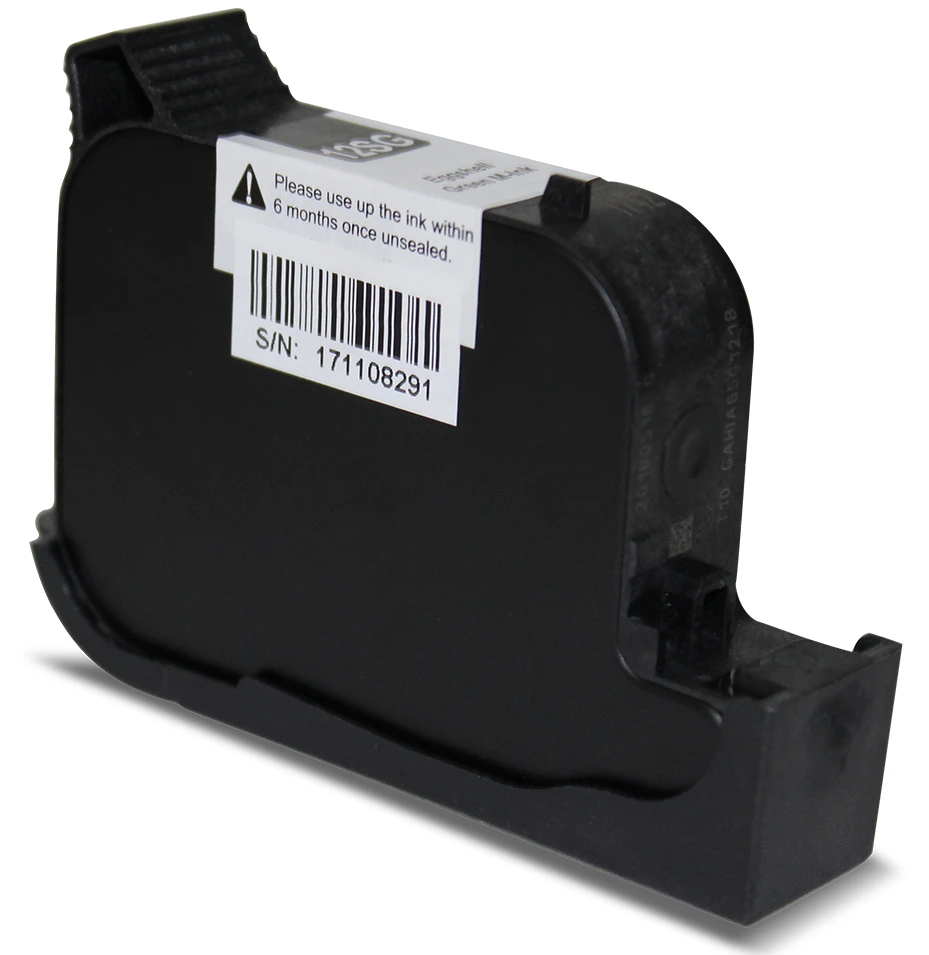
Eggshell marking
UV-CURABLE INKS
UV inks cure under ultraviolet light after printing. For applications that require durable marks and demanding surface adhesion.
Select UV inks ↗White and black inks are available. We select a compatible printer, ink and UV curing setup, then test the result on your material.
Printing → UV curing → durability check
EQUIPMENT WORKS WITH PEOPLE
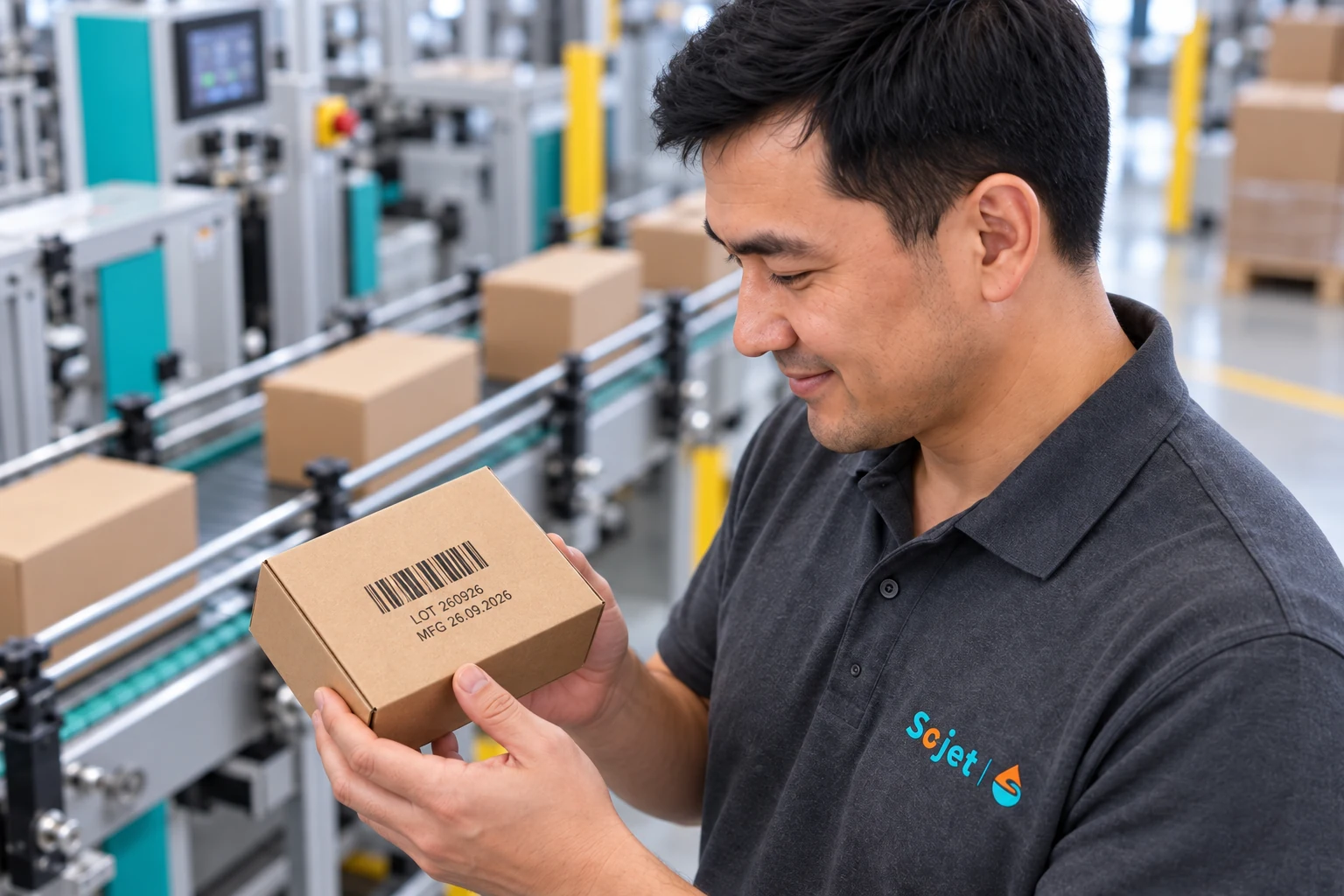
Plan daily operation: who changes jobs, where the screen sits, how to change a cartridge and inspect the print.
WARRANTY AND SUPPORT
We stand behind our warranty obligations for supplied printers and help you learn to use the equipment.
Warranty terms and the claim procedure are set out in the supply agreement.
We explain job setup, cartridge replacement and print inspection.
We help with operation questions and ongoing selection of consumables.
EQUIPMENT SELECTION FOR YOUR TASK
You do not need to know the product range in advance. Just show us what you want to print and on which material.
Describe your task ↗Packaging photo, material and print location.
Print size, content, speed and environment.
Printer, heads, ink and required accessories.
Agree delivery, commissioning and support arrangements.
BEFORE OUR FIRST CONVERSATION
It depends on the material, shape, ink, code size and line conditions. Send a surface photo and sample message. For challenging materials, discuss a trial print.
No. Check each model. MoTix 2000, MoTix 4000, MoEco 4000 and MoTix 1H specifications list 2D codes. MoEco 1 documentation is inconsistent, so confirm code support separately.
Printing Data Matrix is part of the task. Data format, transfer, size and readability checks must be agreed. We select to your requirements; the printer does not replace the data system.
Price depends on model, heads, inks, accessories and work scope. Once the task is clear, we can quote a specific configuration.
Compare operating mode, print height, speed and system connection, not just series names. Both ranges are offered; confirm the exact version before ordering.
FROM PRODUCT TO CONFIGURATION